How do I delete a company permanently?
It can be done, but only by co-owners in vHold and only in two steps:
- Suspend the company ("Suspend company").
- Delete it ("Delete permanently").
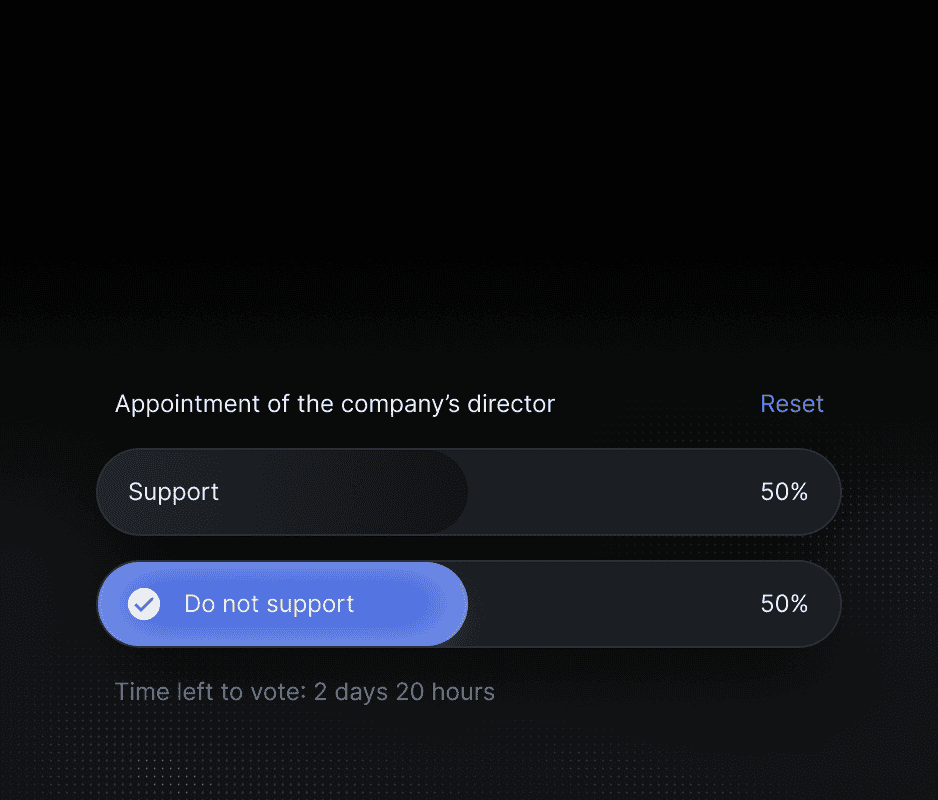
If there is one owner, each step takes effect immediately. If there are several co-owners, both decisions go through voting (fundamental: at least 75% of capital and 66% of participants "for"), so one person cannot delete the company alone, even with a large share. All proposals and votes are visible in the company's votings.
"Delete permanently" requires you to confirm it is you — the same way you sign in: with "Standard" protection, a code sent by SMS to your number; with "Enhanced", your password and a code from your email or app; with a "Passkey", Face ID or Touch ID. This protects you in case someone sits down at your unlocked laptop.
After deletion, the company disappears for all co-owners and employees; instead, they see "This company no longer exists". It cannot be restored.